Salesforce Helper - Lets You Make Changes to the Salesforce Platform
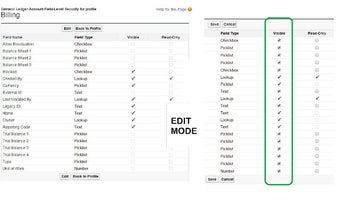
With this tool, you can change the name of a tab, change the layout of a page, add and remove objects from a list, and show and hide the visibility of fields. All of these changes can be made by using the Salesforce Helper app and are limited to the current profile and object.
## Renaming Tab Titles
When you create a new tab, the default title is displayed. If you want to change the title of the new tab to something more meaningful, you can do so by using this tool. The first thing you need to do is open the app and create a new tab.
## Full-Screen Code Editor
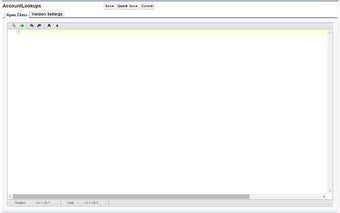
When you are creating an Apex class, trigger, or a Visualforce page, you can now create a full-screen code editor. To do that, you need to use the extension, Salesforce Helper. This will allow you to make changes to the code and then save it so you can see your changes and the results of your code.
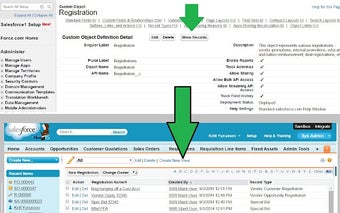
## Show Records
When you open an Apex class, trigger, or a Visualforce page, you can now see all the records of the table in a list view. You can also click a record to see the details of that record.